Google review templates: signs, texts and emails
Print-ready QR signs for the counter, and copy-paste messages that ask for a Google review by text, email, chat or in person. Every one is built around a direct review link, so customers land in the review box in one tap.
Every template needs your review link. Paste your Google Maps link into the Google review link generator to get it, with a QR code, in under a minute. Collecting on Facebook too? Use the Facebook review link generator.
Printable Google review sign templates
Four signs, each with your own QR code and business name. These are real exports from our sign maker, shown here with a sample business. Pick one, paste your Maps link, and download it as a PNG or print it straight away. Three colour styles: Paper, Night and Clean.
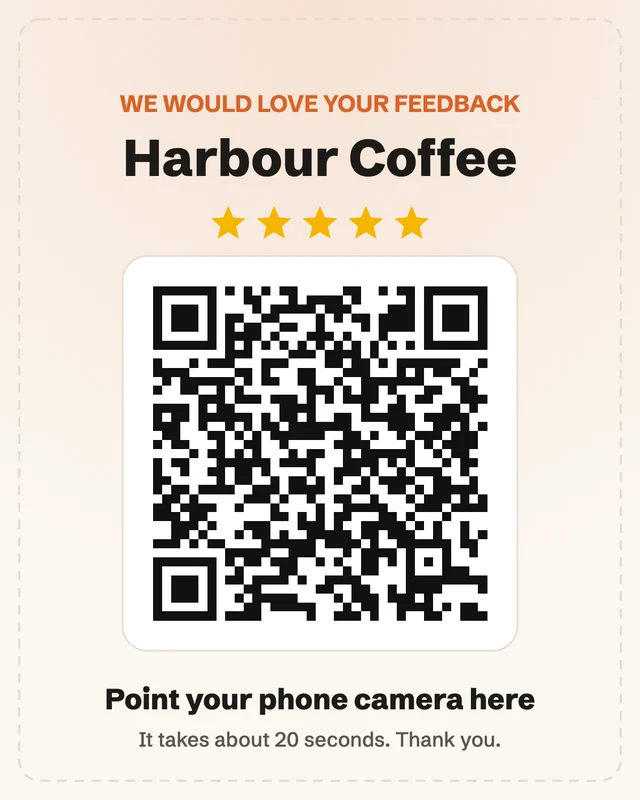
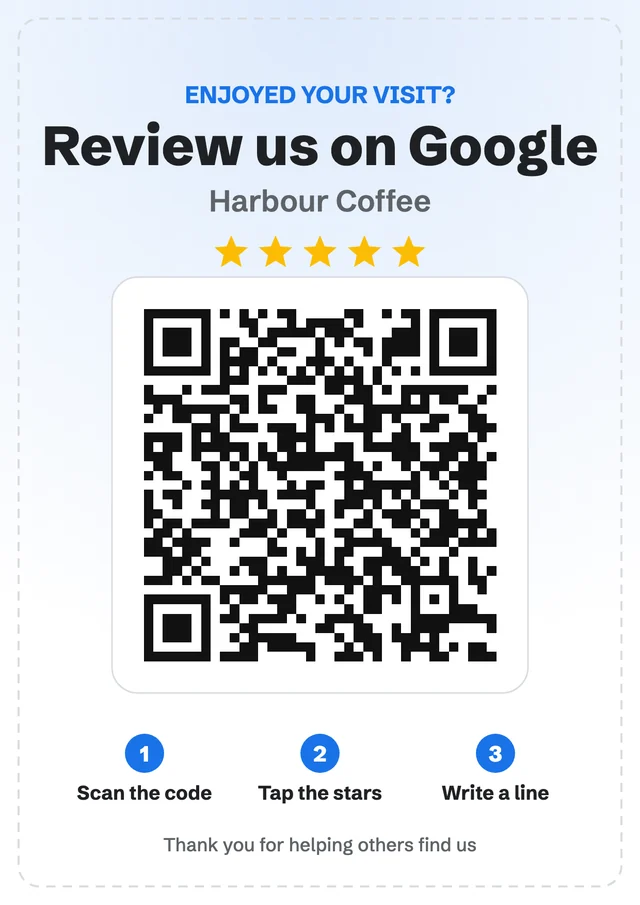
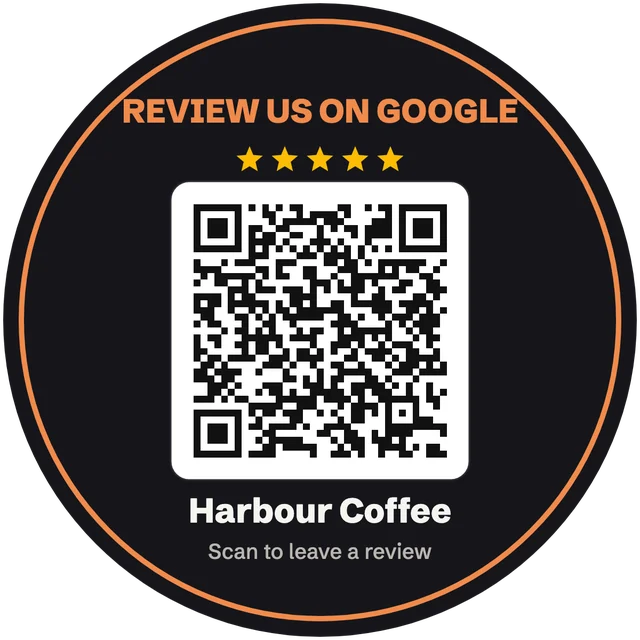
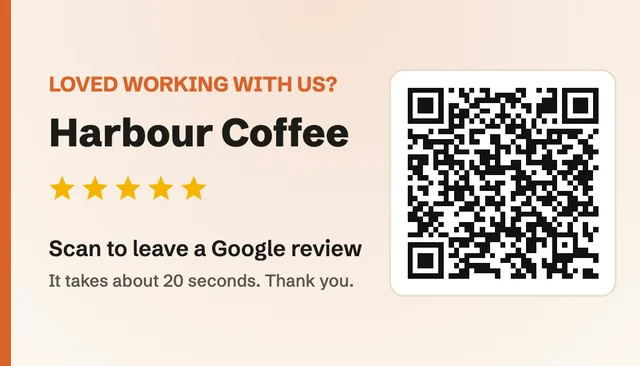
Size tip: make the QR code about one tenth of the distance people scan from, and never smaller than 2 cm. The link generator page has a full size and placement table.
Google review request templates
Swap the words in brackets, paste your review link, and send. Short beats clever: one thank-you, one ask, one link.
Same-day text
Send within a few hours of the job or visit.
Hi [Name], thanks for choosing [Business] today. If you have a minute, a quick Google review would really help us: [Review link]
Text that names the win
Use when you know what went well.
Hi [Name], glad [the result] worked out! Would you mind sharing that in a Google review? It takes about a minute: [Review link] Thanks, [Your name]
Chat message
Reply in the thread you already have with the customer.
Thanks again, [Name]. One small favour: if you were happy with [service], could you leave us a Google review? This link opens the review box: [Review link]
Short thank-you email
Subject: Thank you, [Name] (and a quick favour)
Subject: Thank you, [Name] (and a quick favour)

Hi [Name],

Thank you for choosing [Business] for [service]. It was a pleasure working with you.

If you have a minute, would you leave us a Google review? It helps local people find us, and we read every one.

[Leave a review: Review link]

Thanks,
[Your name]
After a project or a longer job
Subject: How did we do on [project]?
Subject: How did we do on [project]?

Hi [Name],

Now that [project] is finished, I would love to know how it went for you. If you are happy with the result, a short Google review would mean a lot to our team.

A sentence or two on what you needed and how it turned out is perfect.

[Write a review: Review link]

And if anything was not right, just reply to this email and I will fix it.

[Your name], [Business]
At the counter or the door
Say it while you hand over the card or point at the sign.
Thanks so much for coming in. If you enjoyed it, we would love a Google review. Just scan this code, it takes you straight to the review box.
Line for receipts and invoices
Print it above the QR code or add it to the invoice footer.
Enjoyed your visit? Scan to leave us a Google review. It takes a minute and helps a local business. [QR code or Review link]
One gentle reminder
Send once, 4 to 7 days later, only if they have not reviewed.
Hi [Name], just a gentle nudge in case my last message got buried. If you have a minute, here is the review link again: [Review link] No worries at all if not. Thanks!
Signature line
Add it under your name on every email.
Happy with our work? Leave us a Google review: [Review link]
Asking for a testimonial for your website rather than a Google review? Use the testimonial request email templates instead. For timing and channel advice, read how to get more Google reviews.
Send one link that collects the review and the testimonial
Point your template at your own review page instead. Customers write or record a testimonial with no login, then tap through to post it on Google with their words already copied. The best ones show on your website.
What a useful Google review covers
Many customers want to help but freeze at the empty box. You cannot write it for them, but you can tell them what helps other people most. Add one line like “a sentence on what you needed and how it turned out is perfect” to your ask.
The problem or the occasion: a leaking roof, a birthday dinner, a first website.
One detail only a real customer knows: the person who helped, the dish, how fast it was.
The result in their own words, and whether they would come back or recommend you.
Google review reply templates
Reply to every review within a day or two. Use their name, mention one detail, keep it short. For more examples, see how to respond to Google reviews and how to respond to negative reviews.
Five-star review
Post it as the owner from your Business Profile.
Thank you, [Name]! We are so glad [specific detail] went well. It was a pleasure, and we look forward to seeing you again.
Mixed review
Post it as the owner from your Business Profile.
Thanks for the honest feedback, [Name]. Glad you liked [good part]. You are right about [issue], and we have [what you changed]. We hope to show you the difference next time.
Negative review
Post it as the owner from your Business Profile.
[Name], we are sorry about [issue]. That is not the experience we want for anyone. Please contact [owner name] at [email or phone] so we can put it right.
Three things your template must never do
- Offer a reward. No discounts, freebies or prize draws for a review. Google removes reviews written for a reward.
- Ask only happy customers. Filtering who gets the link (review gating) breaks Google's policy. Send the same ask to everyone.
- Put words in their mouth. Suggest what to cover, never send a pre-written review to copy.
Then put those reviews to work on your website
testimonials.ltd imports your Google reviews word for word from your Maps link and shows the best ones in a widget like this, filtered by stars, in your colours.

Super tool to manage your LinkedIn posts and much more! Highly recommended.

Very useful tool to keep engaged with intuitive ability to comment and create content.


Legit feels like cloning myself. Trained it once, gave it my VA, and now I barely touch Linkedin!



It has helped me streamlined my LinkedIn posting with high quality writing which actually sounds like me.

80% of the comments it generates are "ready to use" but sometimes the quality feels a bit off. Not sure why. But good overall.

I've used LiGo for 3 months now. It's been very helpful for me and my team. I usually use it word my ideas in a nicer way.


Google review templates FAQ
What should I say when asking for a Google review?
Thank the customer, name what went well if you can, ask for a review in one sentence, and add the direct review link. Keep it under 40 words for a text and under 100 for an email. The templates above follow that shape.
What is the best time to ask for a Google review?
Within a few hours of a good moment: the job is finished, the order arrives, the customer says thank you. The longer you wait, the fewer people follow through. Send one reminder after 4 to 7 days, then stop.
Where can I get a printable Google review sign?
Paste your Google Maps link into our Google review link generator. It makes your QR code and four print-ready signs (table tent, A4 poster, round sticker and business card) in your business name, ready to download as PNG or print.
How do I write a good Google review?
Say what you came for, what happened and how it turned out, in two or three sentences. Mention a detail only a real customer would know, like the person who helped you or the dish you ordered. Specific reviews help other people decide and are more likely to stay up.
Can I write the review for my customer?
No. Google requires reviews to reflect the reviewer's own experience, so a review you drafted for someone can be removed. You can suggest what to mention (the service, the result, the person who helped), but the words have to be theirs.
Can I offer a discount for a Google review?
No. Google's policy bans incentives such as discounts, freebies or prize draws in exchange for reviews, and it also bans asking only happy customers. Send the same request to every customer.
Are there review templates for Facebook too?
Yes. Every message above works for Facebook: swap the Google link for your Facebook review link, which you can make with our Facebook review link generator, along with its own QR code and signs.
Lost track of what customers already wrote? Here is how to see all your Google reviews.
.ltd = Lifetime Deal. Collect testimonials. Pay once. Keep them forever.